> ## Documentation Index
> Fetch the complete documentation index at: https://docs.yumiproxy.com/llms.txt
> Use this file to discover all available pages before exploring further.
# YumiProxy-Unlimited Residential Proxies (Port)-Parameter
#### 1、How to Purchase Unlimited Residential Proxy (Port)
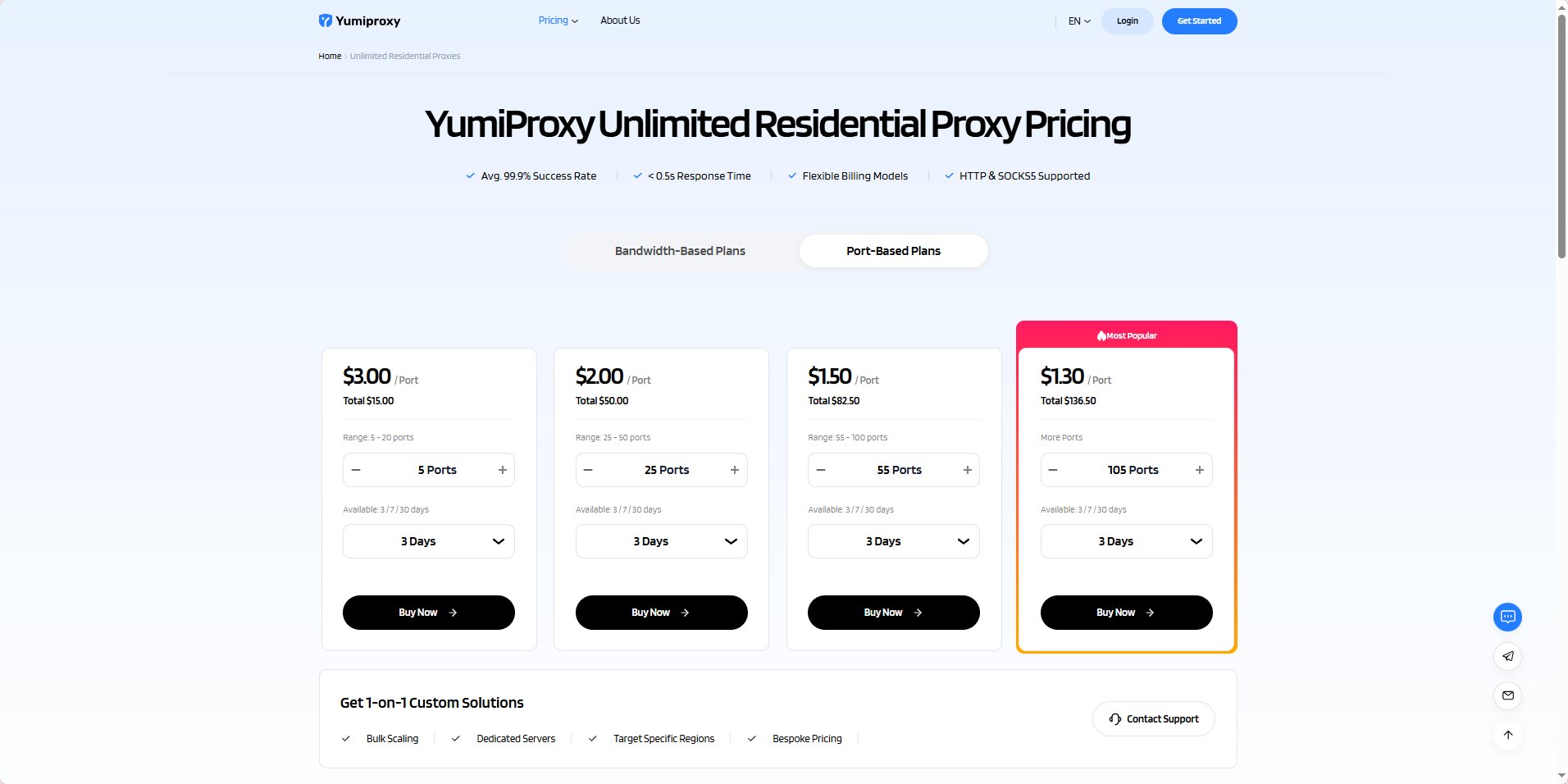
Open the Unlimited Residential Proxy (Port) page on the YumiProxy official website: [YumiProxy-Unlimited Residential Proxies (Port)](https://www.yumiproxy.com/pricing/unlimited-port)
 #### 2、Make Payment
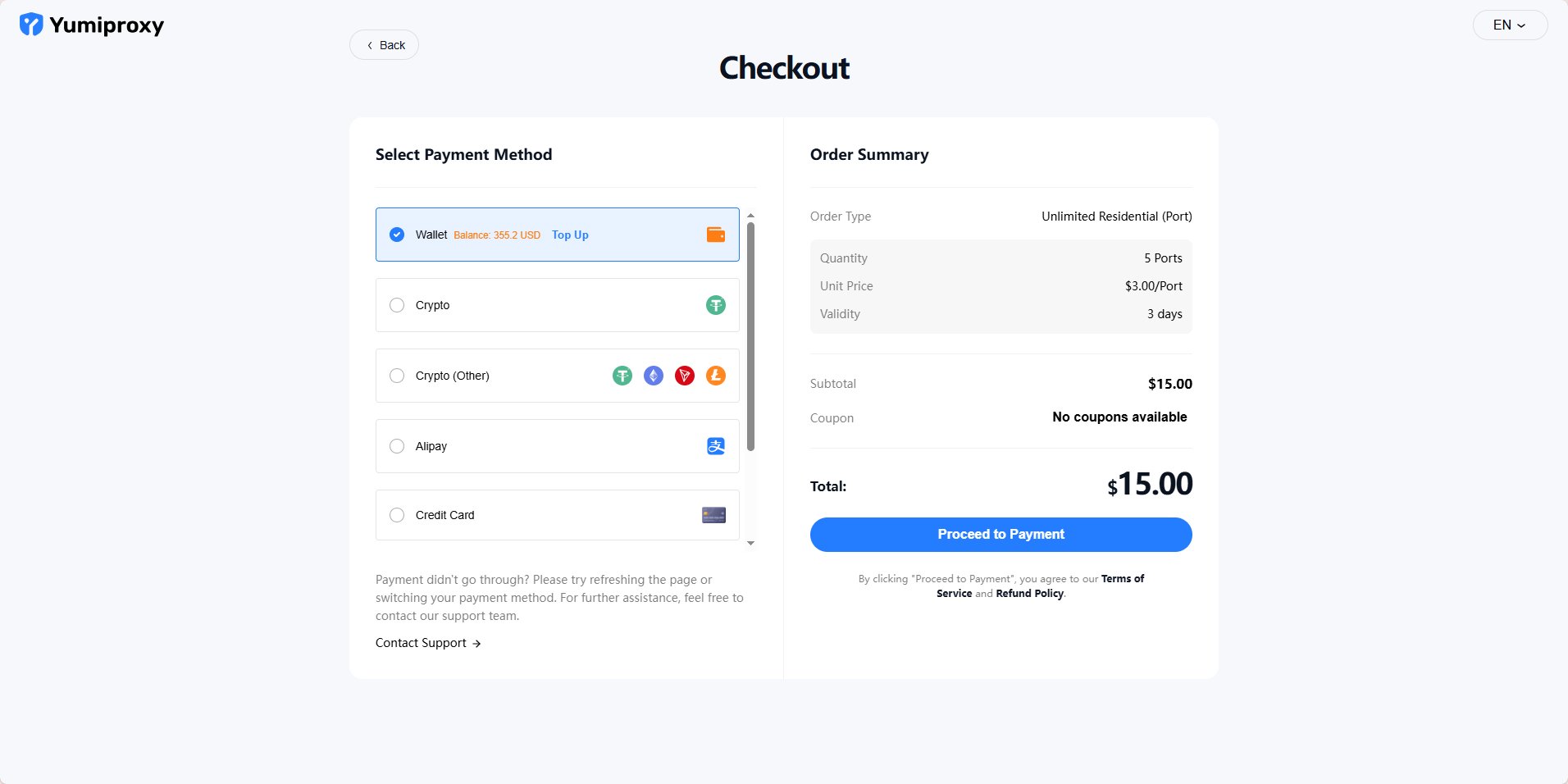
Click "Buy Now" and you will be redirected to the payment page, where you can choose your payment method to complete the payment.
#### 2、Make Payment
Click "Buy Now" and you will be redirected to the payment page, where you can choose your payment method to complete the payment.
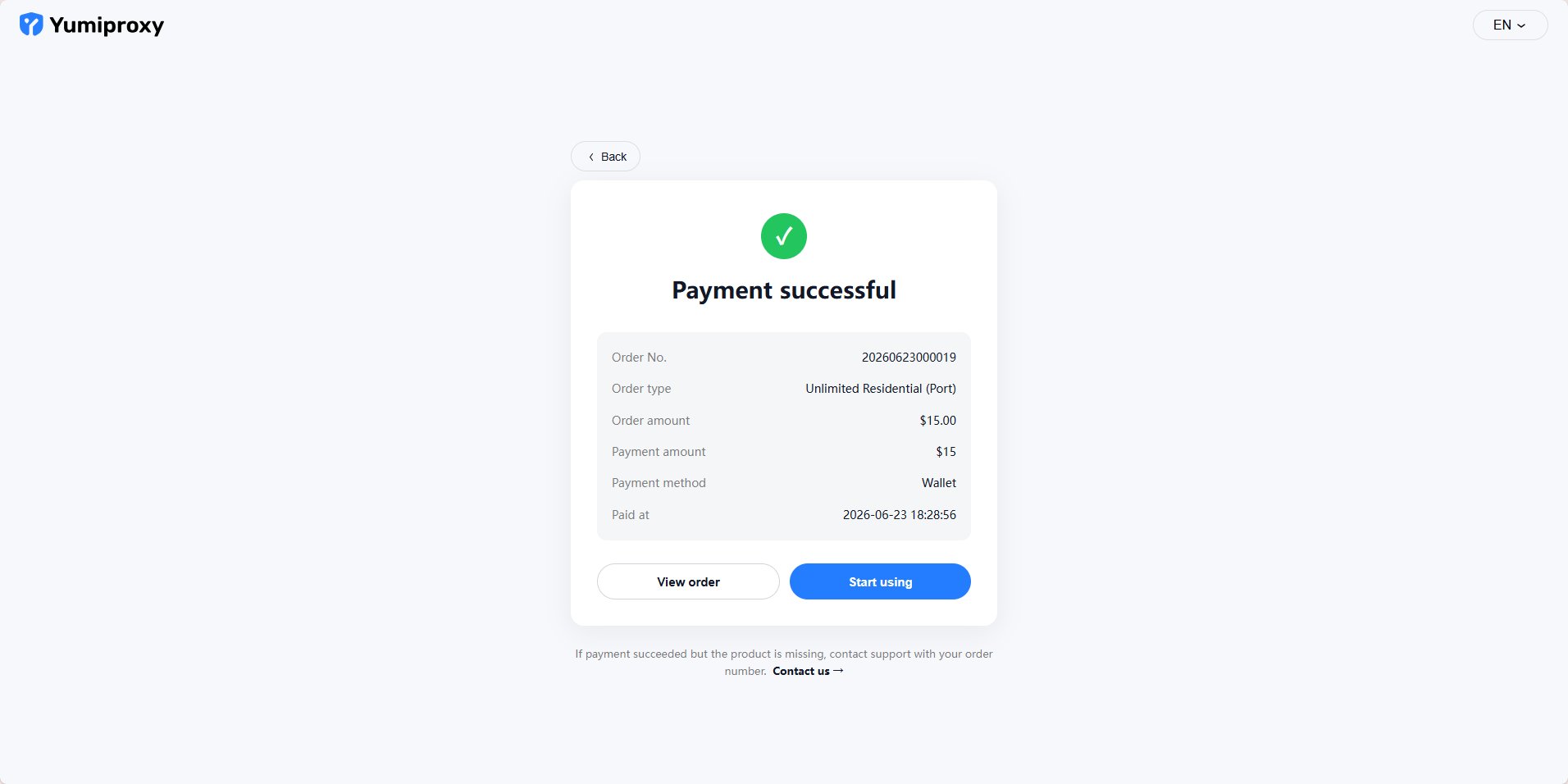 \
After successful payment, click "Start Using" and you will be redirected to the console.
#### 3、Parameter Extraction
\
On the "Get Proxy" page in the console, you can see the information for the various packages you have purchased.
\
After successful payment, click "Start Using" and you will be redirected to the console.
#### 3、Parameter Extraction
\
On the "Get Proxy" page in the console, you can see the information for the various packages you have purchased.
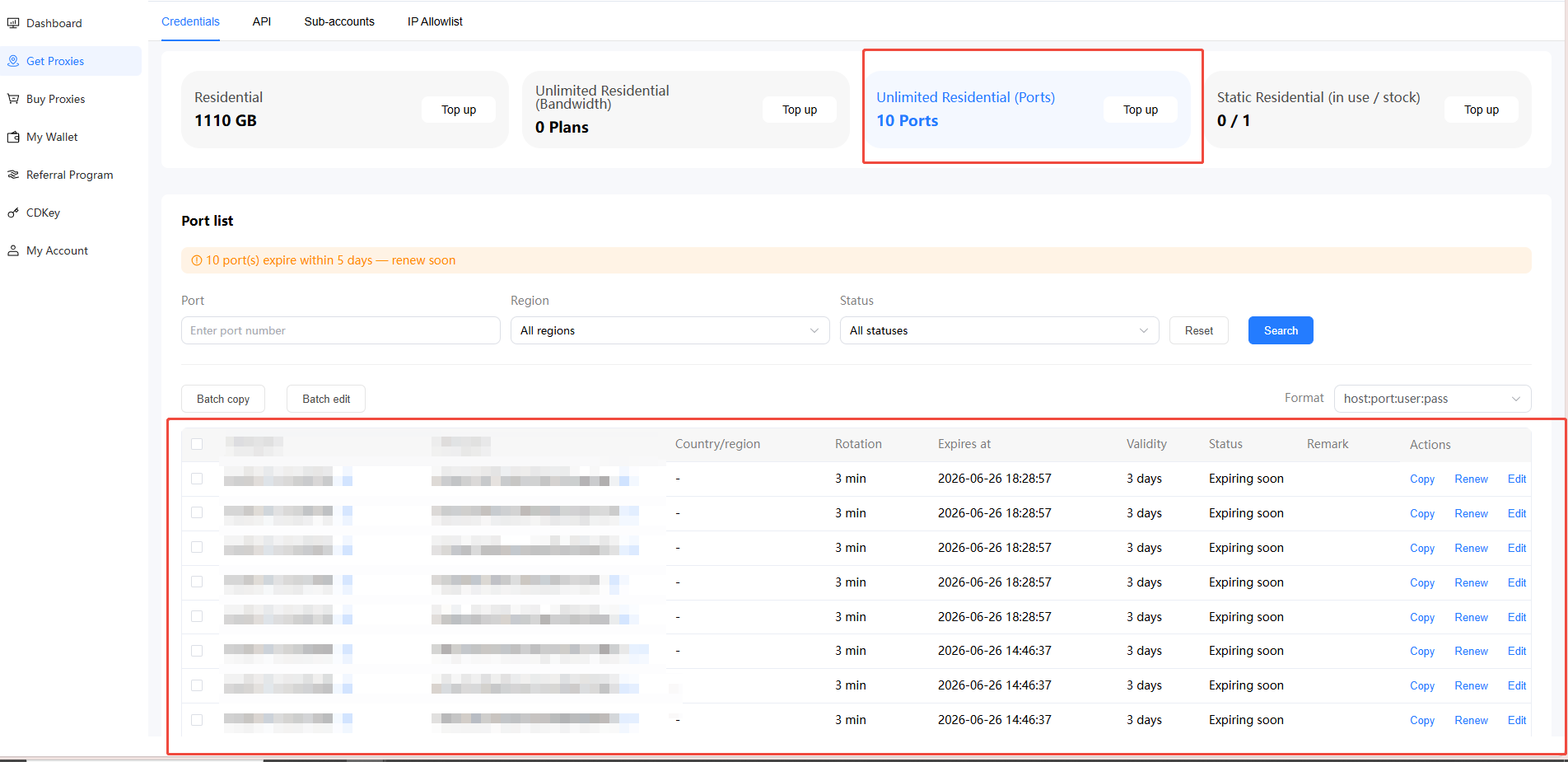 \\
You can perform renewal operations through the console.
\\
You can perform renewal operations through the console.