Open the Static Residential Proxy page on the YumiProxy official website: YumiProxy Static Residential Proxy
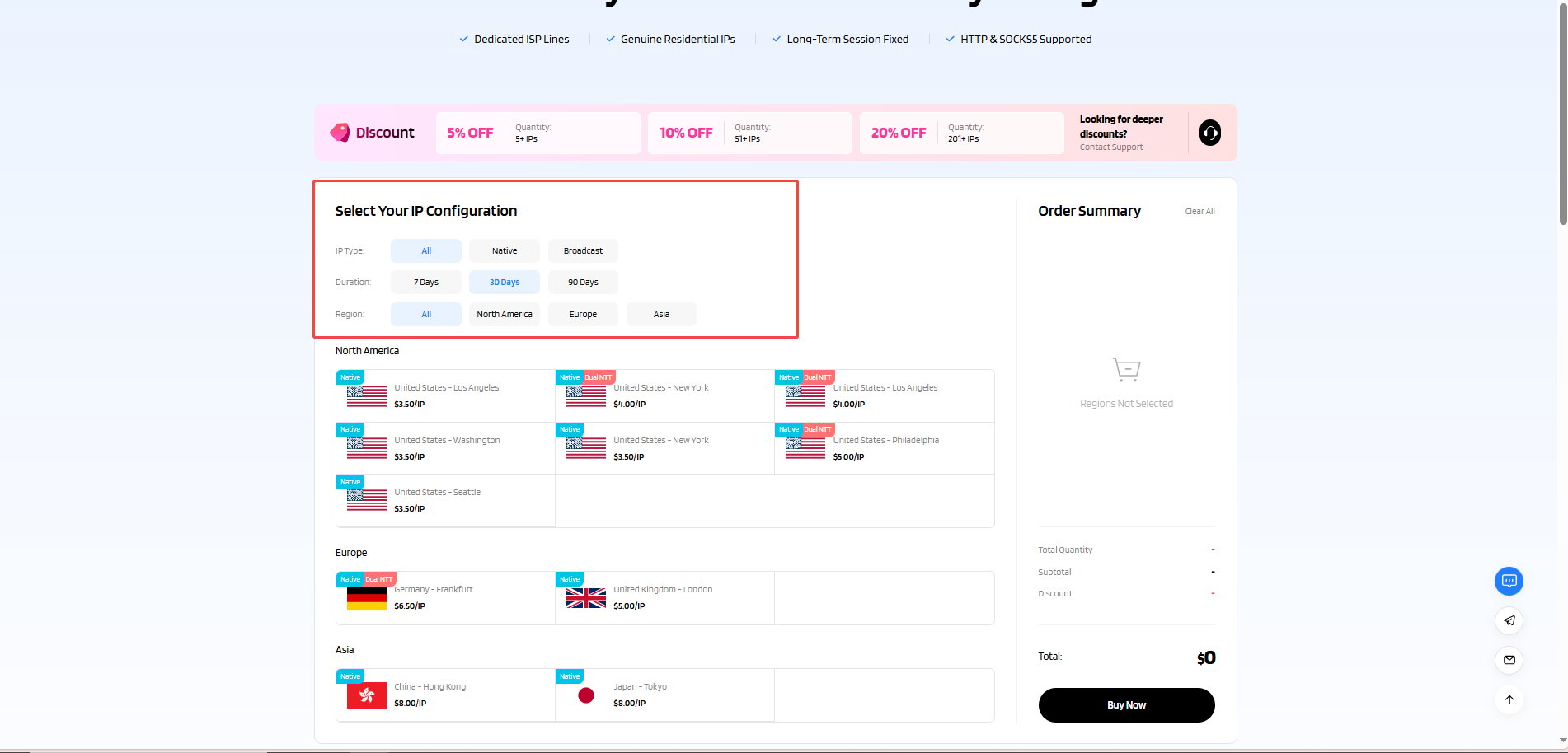
2、Make Payment
Click “Buy Now” and you will be redirected to the payment page, where you can choose your payment method to complete the payment.
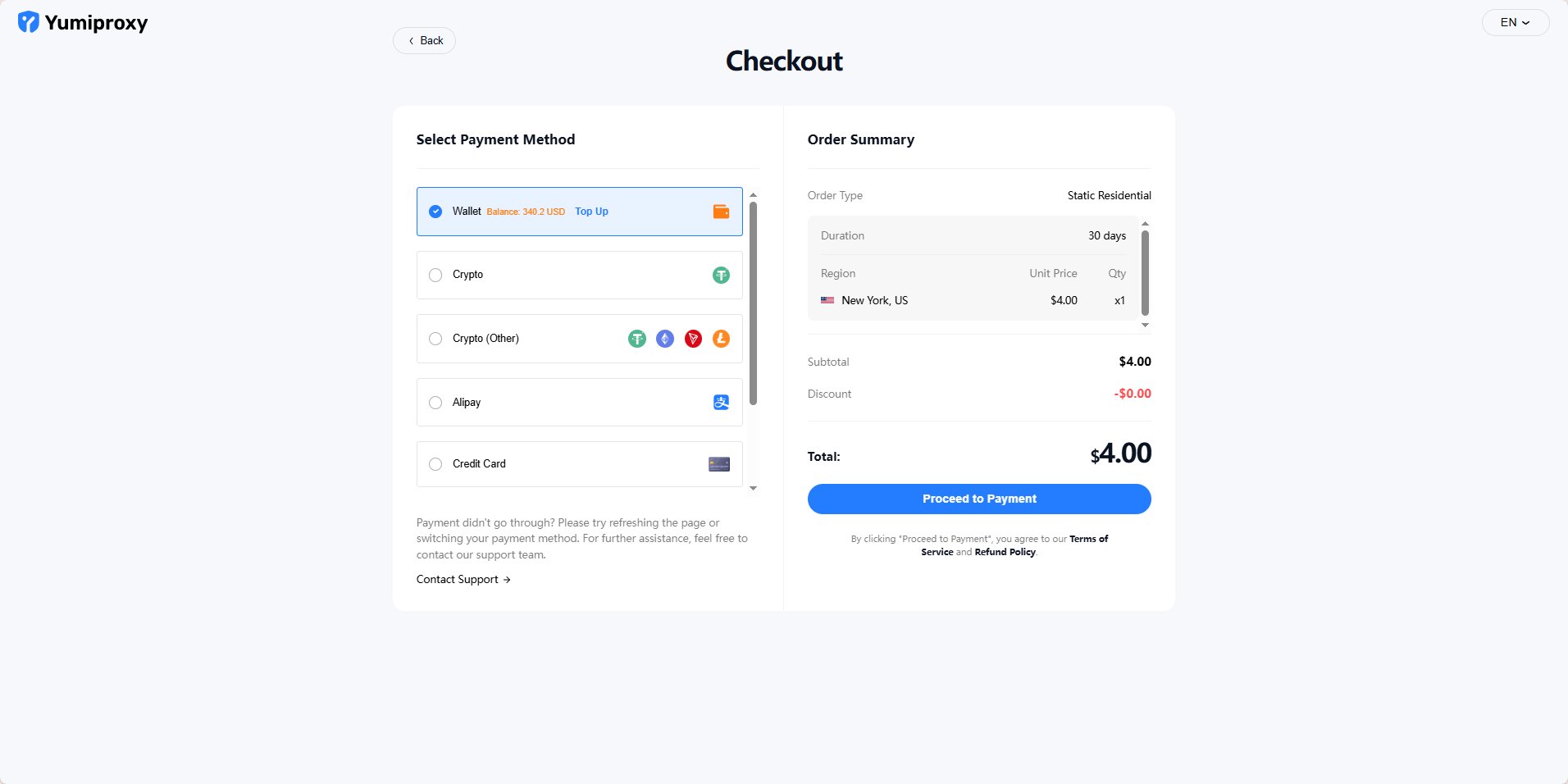
After successful payment, click “Start Using” and you will be redirected to the console.
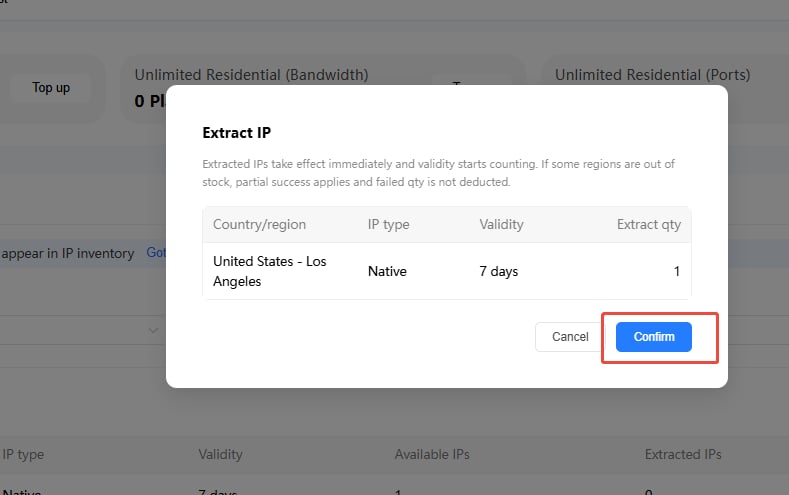
3、Parameter Extraction\
On the “Get Proxy” page in the console, you can see the information for the various packages you have purchased.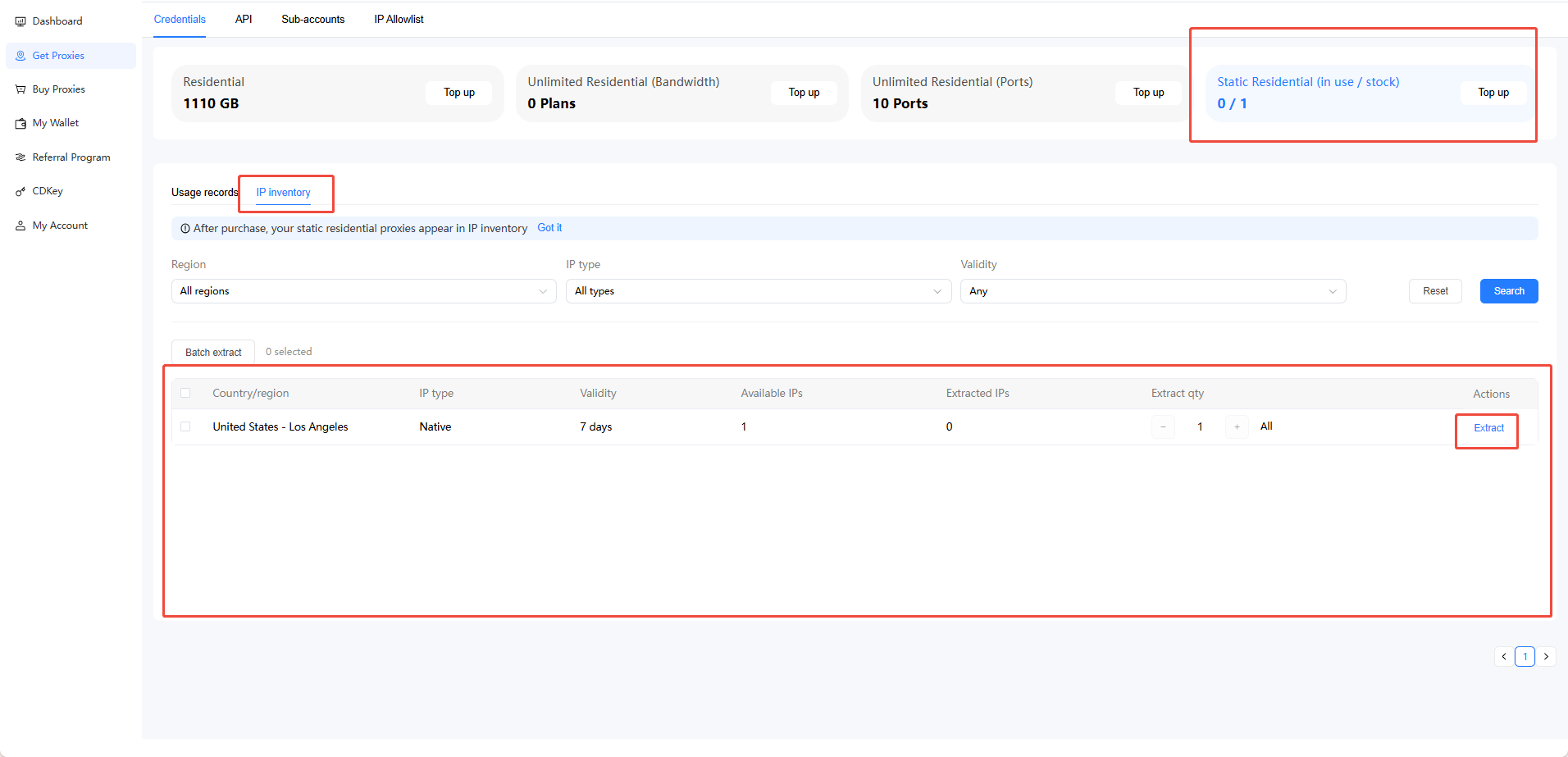
4、Static Residential Proxy Renewal
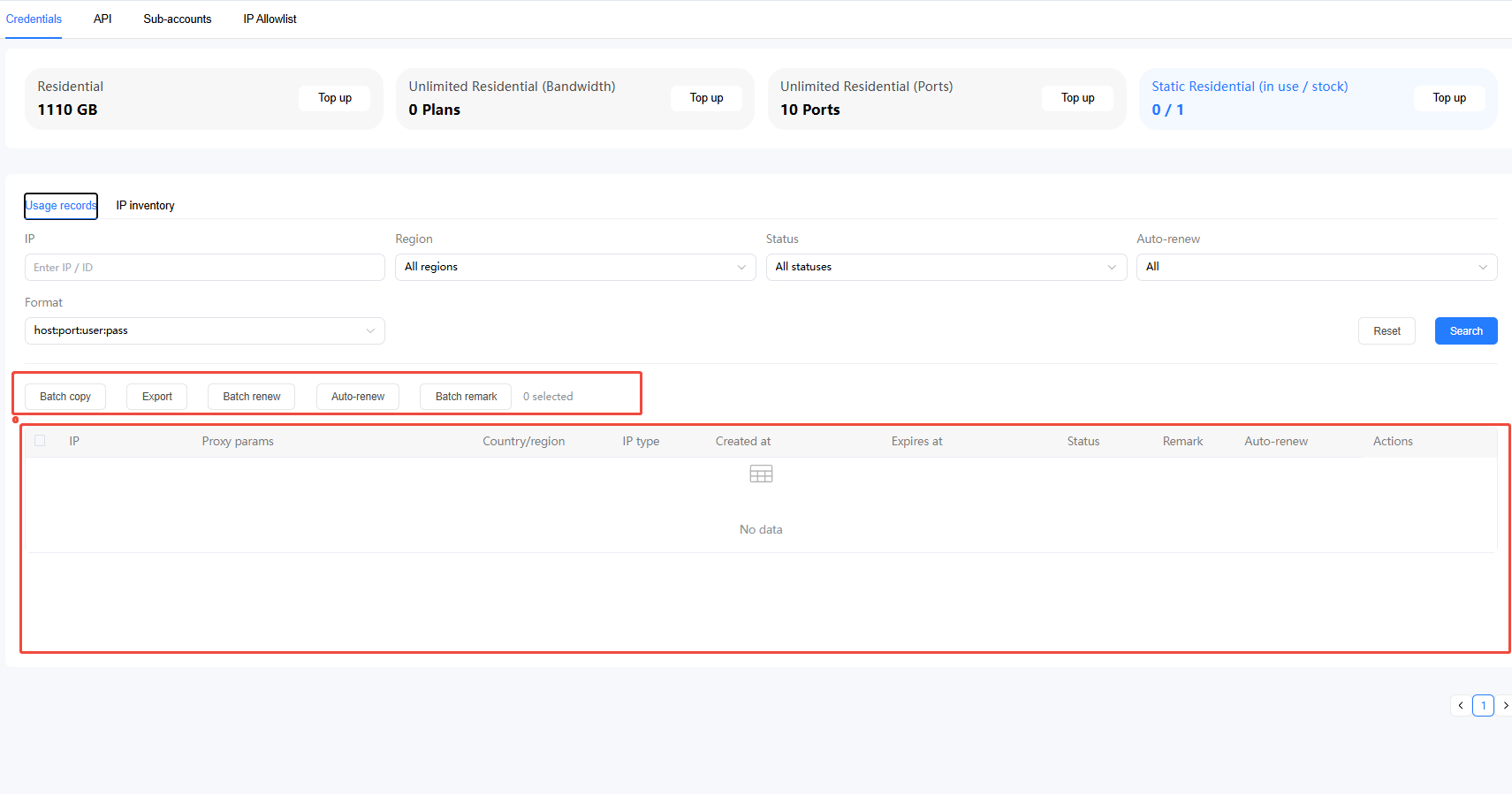
You can renew in the Usage History section of the console.