

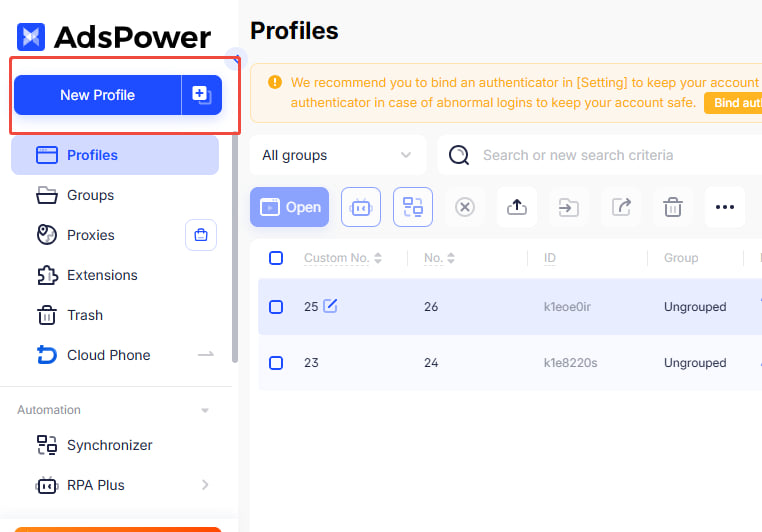
- Go to the AdsPower interface and click New Browser on the left.
- Scroll down to the proxy configuration section, select Custom, and enter the generated link in the format
Host:Port. Then fill in the proxy account and password accordingly.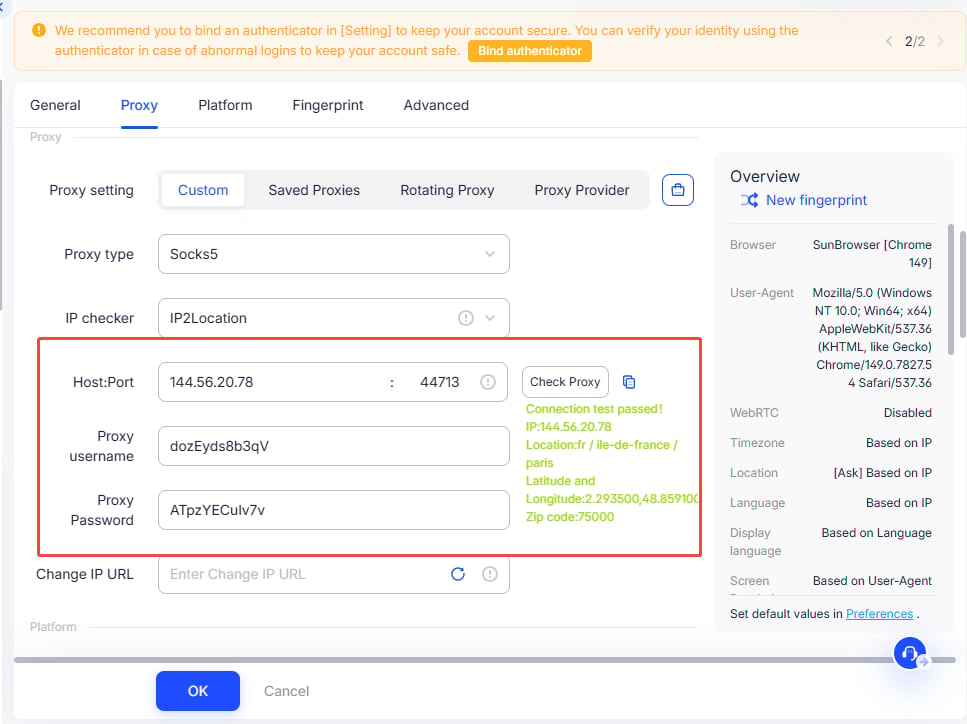
- Click Check Proxy to test whether the connection is successful. After that, click OK. If successful, it will directly jump to the Environment Management interface, where you can open and use it.
Anti-Detect Browser Proxy Integration Guide
AdsPower
Before configuration, please obtain an IP from YumiProxy first and ensure the proxy settings are correct to guarantee normal operation.
Was this page helpful?