

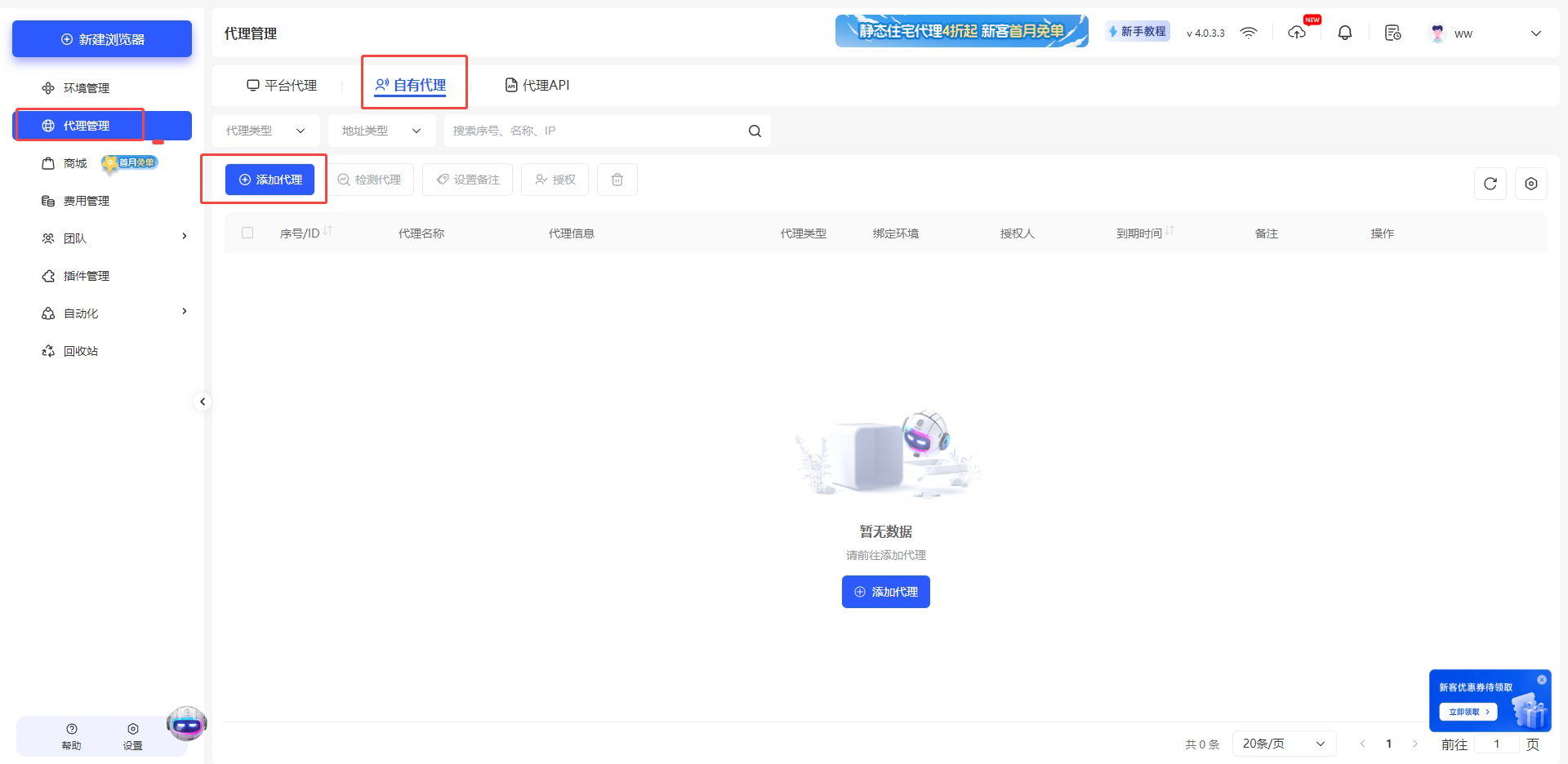
- Open Multilogin Browser, click Proxy Management, and select Own Proxy → Add Proxy.
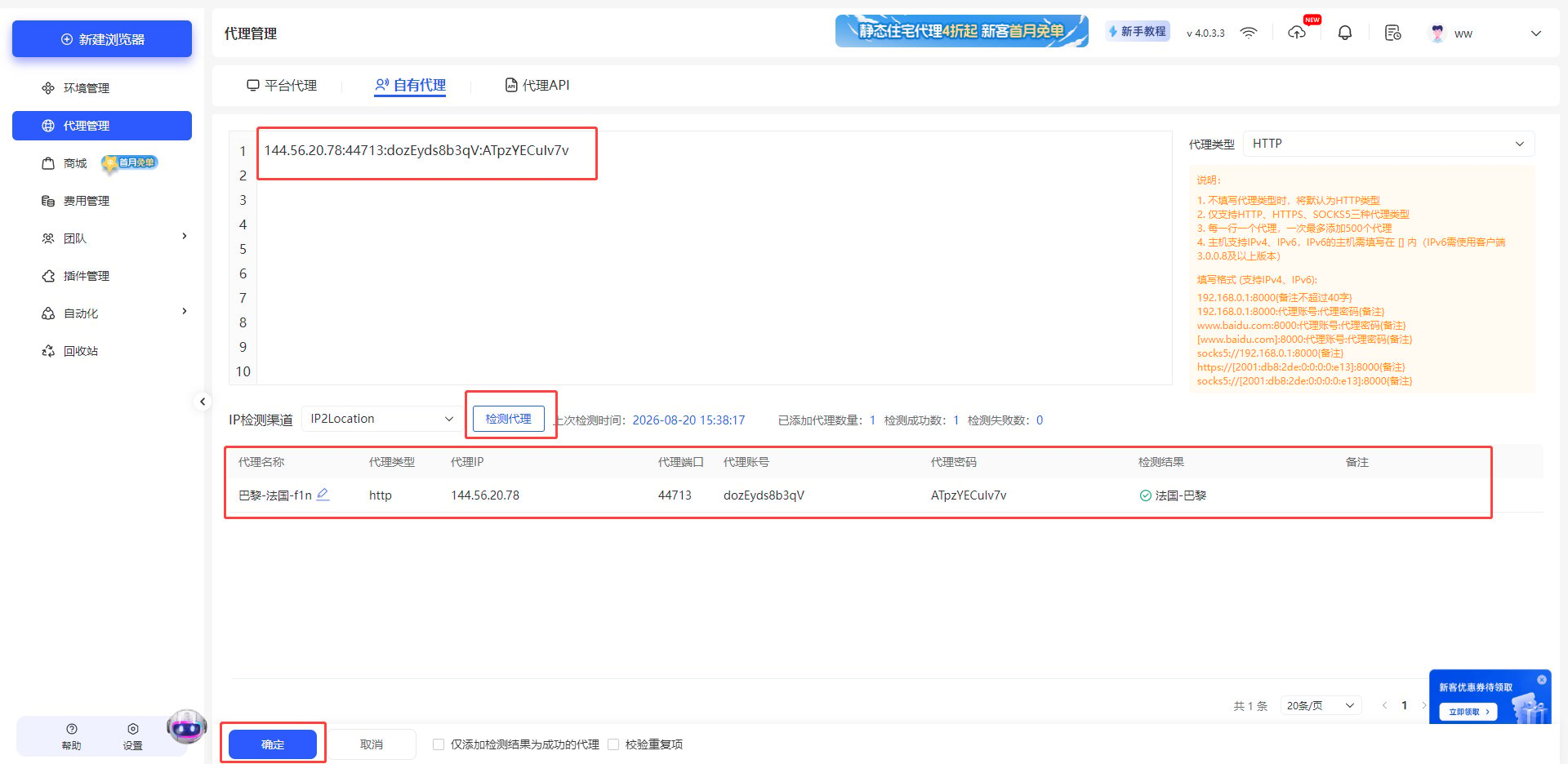
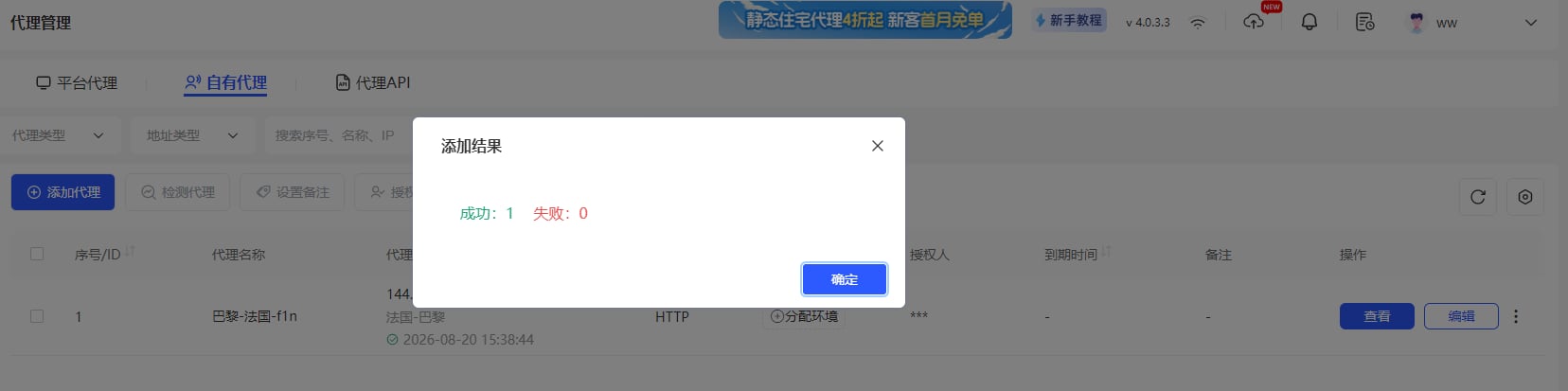
- Enter the proxy parameters obtained from YumiProxy, then click Test Proxy. The proxy details will be displayed below. After confirming, click OK.
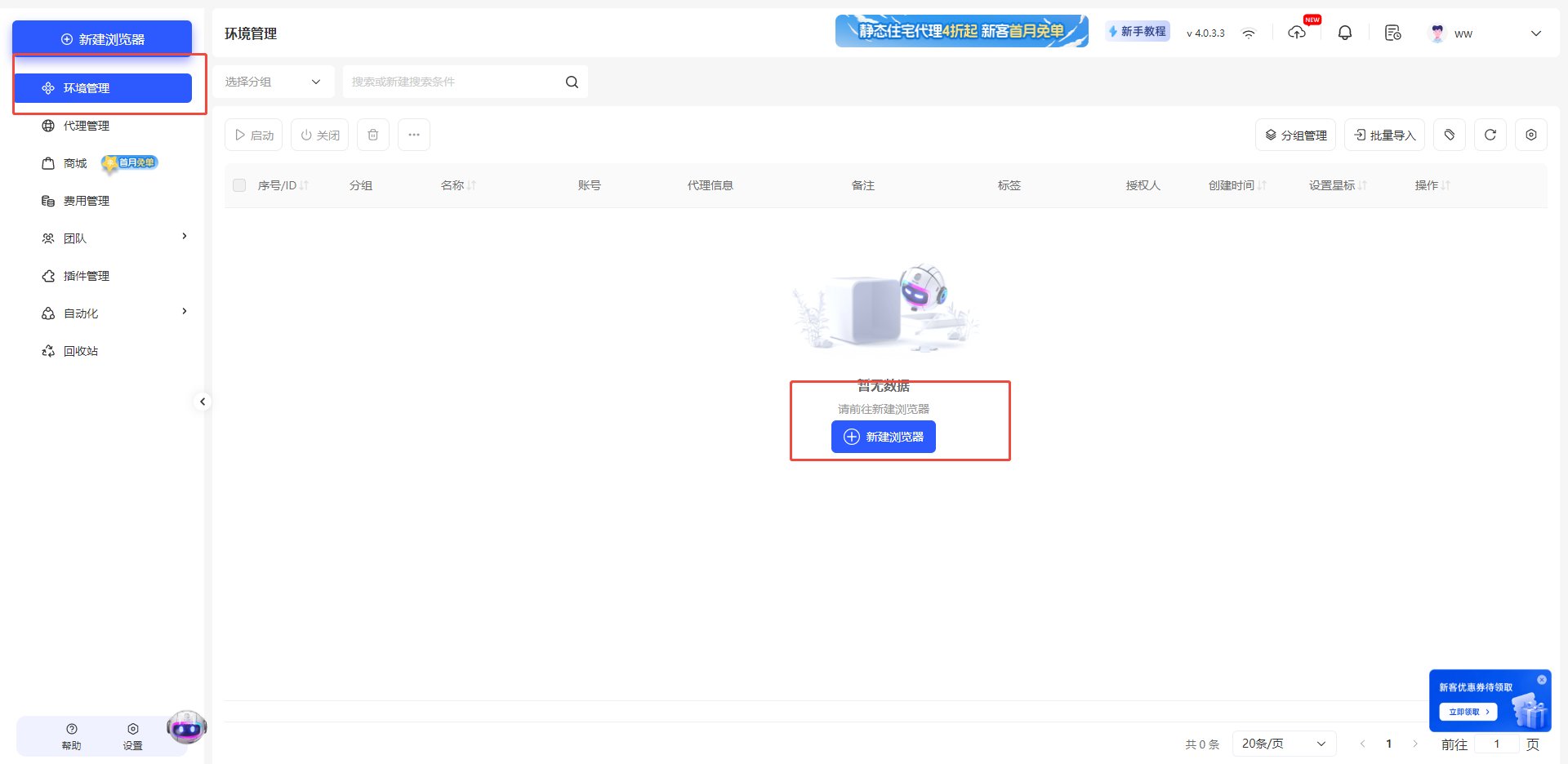
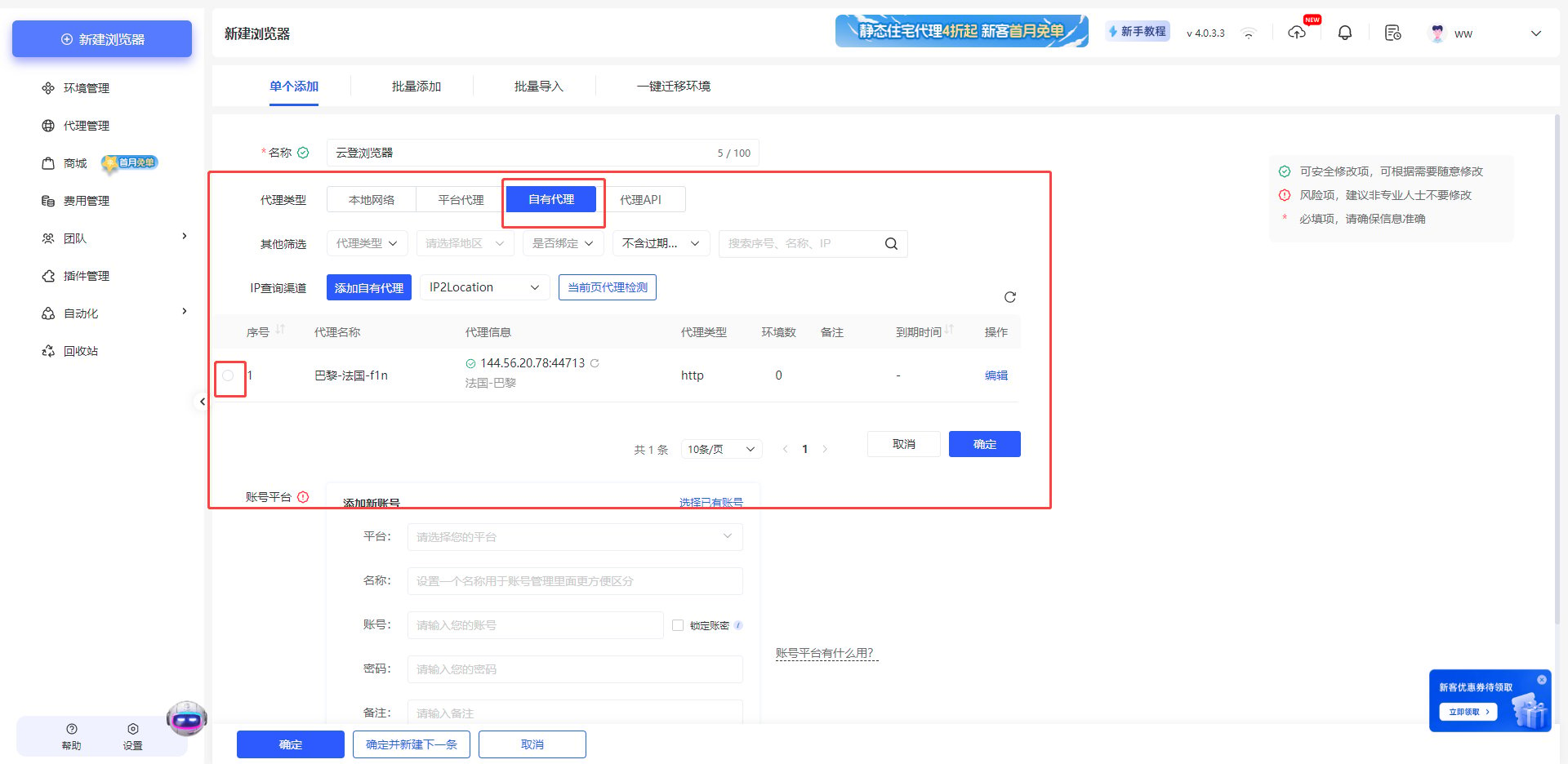
- Click Environment Management on the left, and select New Browser.
- Under proxy type, choose Own Proxy and check the proxy you just configured.
Anti-Detect Browser Proxy Integration Guide
Multilogin
Before configuring a proxy in Multilogin, please ensure that your proxy settings are correct to guarantee proper operation.
Was this page helpful?